Inxanity Labs: Launcher, Game Mashups and Browser Play
What Inxanity Labs offers, how its Windows mod launcher differs from browser games, and what to check about membership, game files and setup.
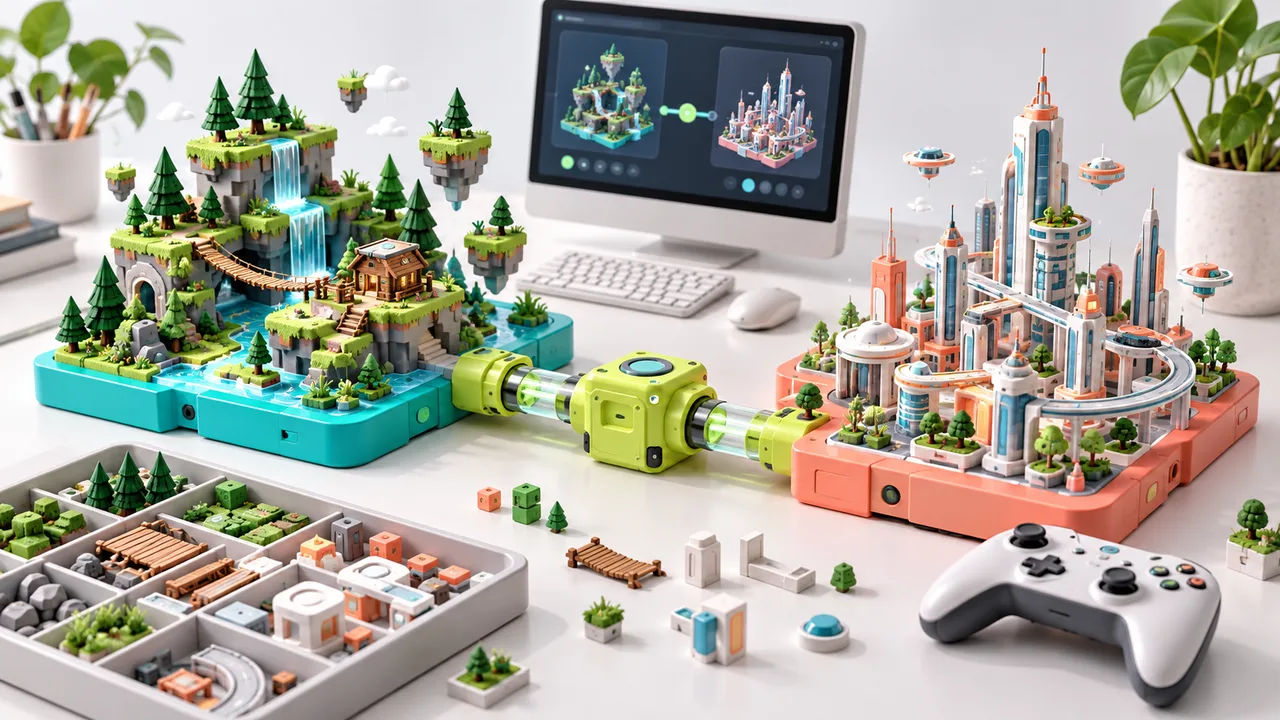
Inxanity Labs presents a Windows mod launcher and AI-assisted game-mashup community. If you arrived looking for a game to play immediately in a tab, its launcher and its browser-game listings are different routes. For a no-install session on ABG, open the playable games collection.
We checked the publisher's website and terms on October 17, 2026. This is an independent guide. We have not purchased a membership, installed the launcher or tested its file-restoration claims.
What does the launcher do?
The publisher describes a Windows 10/11 application that finds installed games, sets up mod loaders and adds mashups. It also describes AI-assisted creation using a coding agent. These are publisher claims, not results from an ABG installation test.
The practical distinction is between playing a published mod and asking an agent to create something new. A clip can show the goal without showing the work required to reproduce it on a different game version or computer. Before choosing either route, identify the exact package you want rather than treating the whole library as one install.
For background on those projects, read AI merge games. For a small project of your own, use our game-mashup workflow.
Is Inxanity Labs free?
At the time checked, the publisher advertised launcher/community membership at $19.99 per month, through Whop. Check the live checkout before paying. Do not assume a browser-game link, membership, the underlying games and a coding-agent subscription are all the same purchase.
The terms are the relevant place to review the agreement. Keep your subscription receipt and know which service manages cancellation. A price shown in a screenshot or search snippet may no longer be the price offered at checkout.
Can you play it in a browser?
The site has a browser-games section, but that does not make every launcher mashup a browser game. A Windows installation, a local mod and a web page have different requirements. Follow the individual project's documented route.
For a longer PC session, our suggested preflight is simple: pick one named mod, list the games it requires, record their versions and preserve your existing saves. Only then decide whether the launcher saves enough setup work to justify using it. Avoid testing several unrelated mod managers against the same installation at once; it makes rollback and diagnosis harder.
For a short browser session, you can skip that entire decision. Alien Escape Pinball and 8Compute have creator-hosted players on ABG. They are independent games, not mirrors of Inxanity's downloads.
What to check before installing a mod launcher
Our checklist is advice, not an audit of this product:
- Start from the publisher's current site, then follow its own links. Search results and similar names are not proof that two products are connected.
- Read the named mod's game-version, loader and platform requirements.
- Back up a test save outside the game folder before changing anything.
- Find the removal and recovery instructions before the first installation.
- Keep a record of which files and tools you added, especially if you later ask a maintainer for help.
The publisher says its launcher checks downloads and backs up replaced files. Those promises are not the same as an independent security review or proof that every future package will restore cleanly. We do not recommend disabling system security to make an unfamiliar installer run.
Inxanity Labs or Melty?
If you are choosing between mashup tools, compare the specific game combination you want, not just the size of the catalog. Ask whether it has a current release, whether you own the required games, whether your operating system is supported, and what it costs to play versus create.
Our Melty guide covers its separate published requirements. Neither product should be represented as a universal service that makes any two games work together.
What should I open next?
- I want to play here: browse on-site games.
- I want to understand a mashup clip: read the AI merge-games guide.
- I want to build a small combination: start with the practical workflow.
- I want the launcher itself: visit the publisher's site for its current offer and requirements.